Cut & Emboss Folders Inspiration | Mixed Media Card Tutorial by Nadya Drozdova
on April 03, 2019

Cut & Emboss Folders Inspiration | Mixed Media Card Tutorial by Nadya Drozdova

Hello everyone! My name is Nadya Drozdova, I am mixed media style crafter from Estonia. I love to mix paints and papers adding some embellishments to my projects. You may find my other creations in my Instagram. I am so honored to be a Guest designer on Spellbinders blog. I prepared for you Mixed media card with small step-by-step tutorial.

Spellbinders Cut & Emboss Folders Inspiration | Mixed Media Card Tutorial by Nadya Drozdova

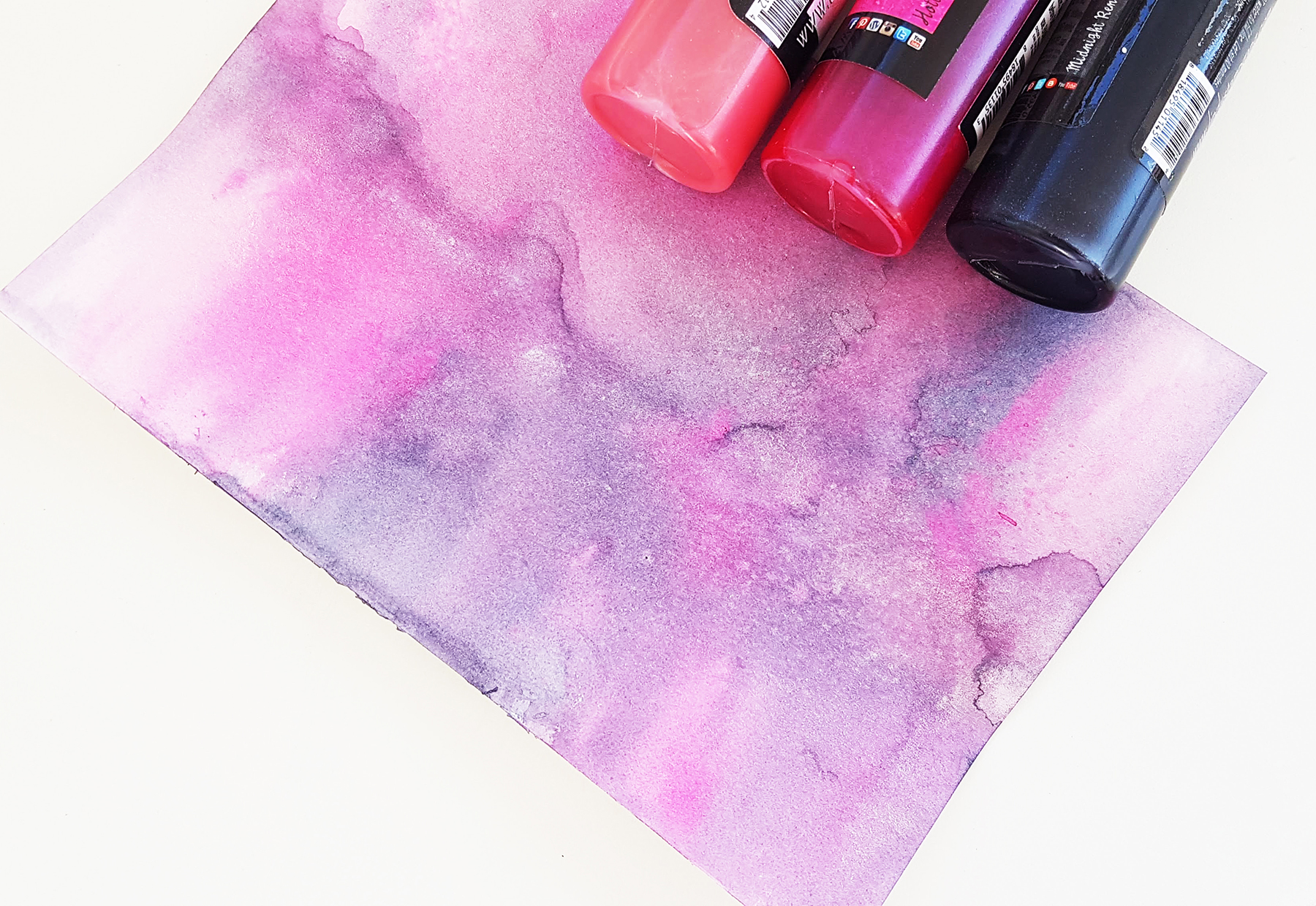
To make background more complicated and interesting I used watercolor paper instead of cardstock and some sprays. I sprayed paper with water first, then added the lightest spray and in the end added the darkest one. Dried it with a heat tool.

Spellbinders Cut & Emboss Folders Inspiration | Mixed Media Card Tutorial by Nadya Drozdova

Then I used Floral Reflections Cut and Emboss Folder by Spellbinders. To make my background brighter I used black cardstock as a bottom layer and distressed watercolor sheet`s edges with a black ink pad.

Spellbinders Cut & Emboss Folders Inspiration | Mixed Media Card Tutorial by Nadya Drozdova

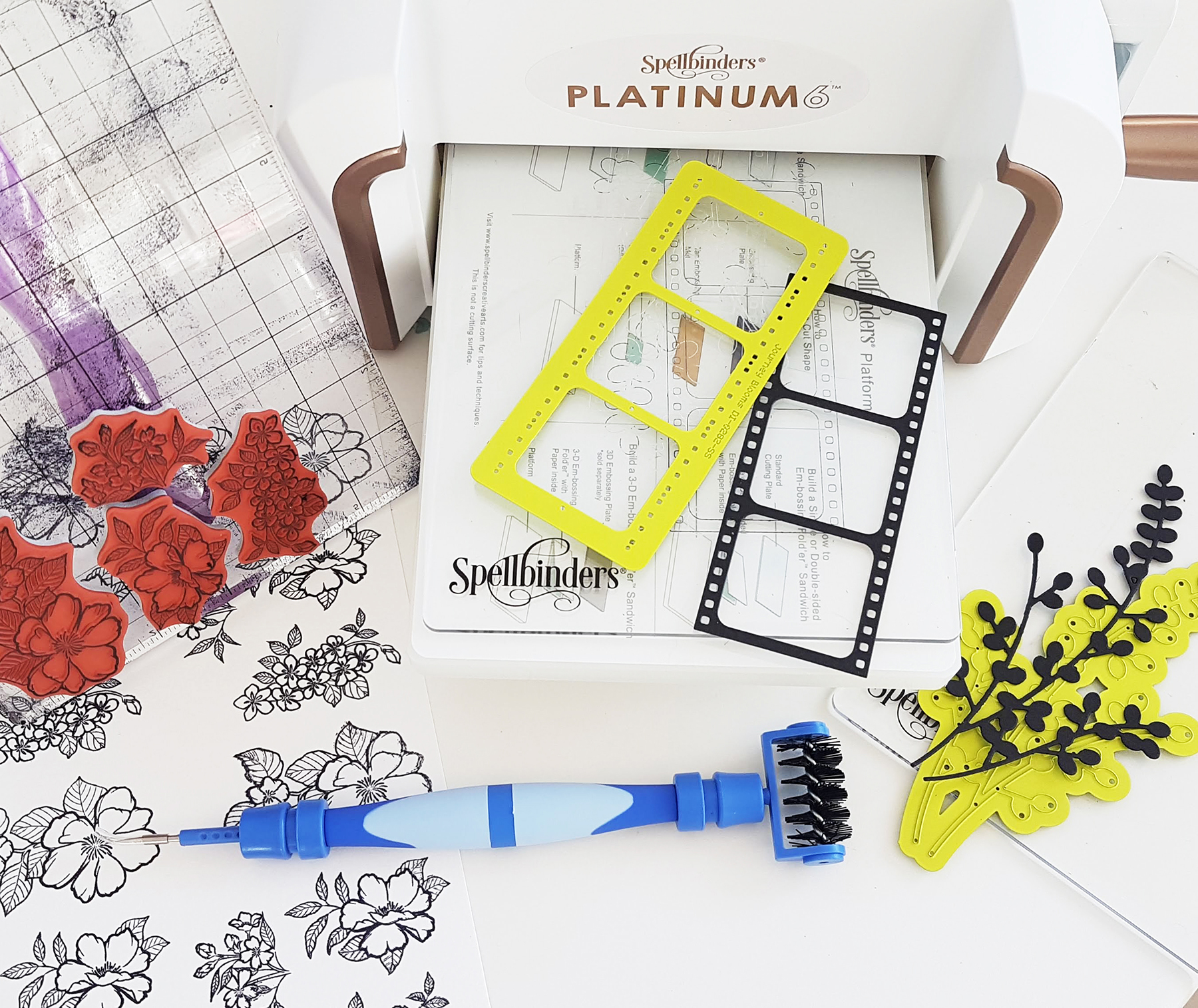
For my card I needed some additional elements and embellishments. I used Film capture die and Bloom cluster die. I stamped some flowers with archival ink using Peonies blossoms cling stamps and cut die-cuts from black cardstock.

Spellbinders Cut & Emboss Folders Inspiration | Mixed Media Card Tutorial by Nadya Drozdova

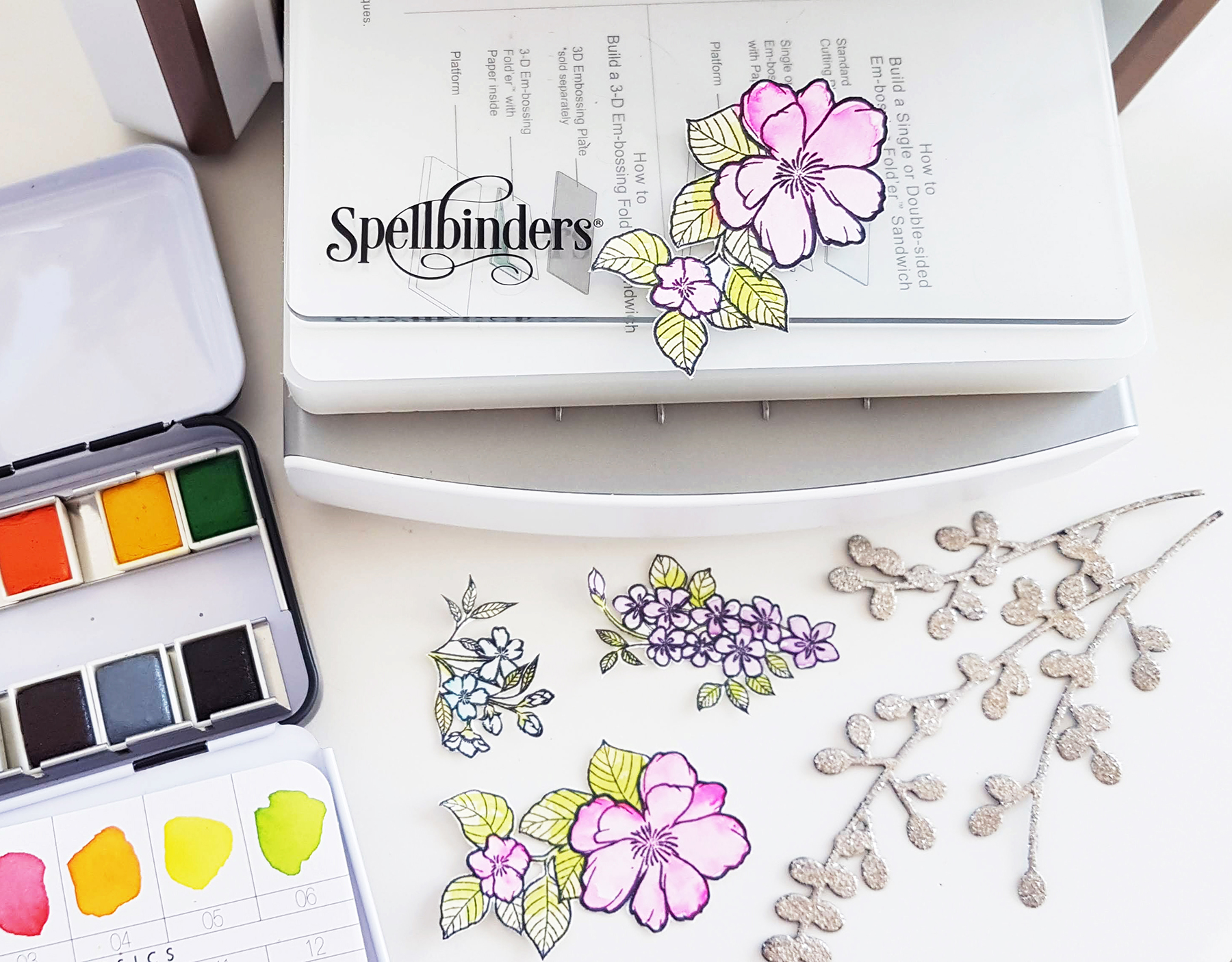
To color my stamped images I used watercolors;  to make the die cut branch more interesting I treated it with platinum embossing powder.

Spellbinders Cut & Emboss Folders Inspiration | Mixed Media Card Tutorial by Nadya Drozdova

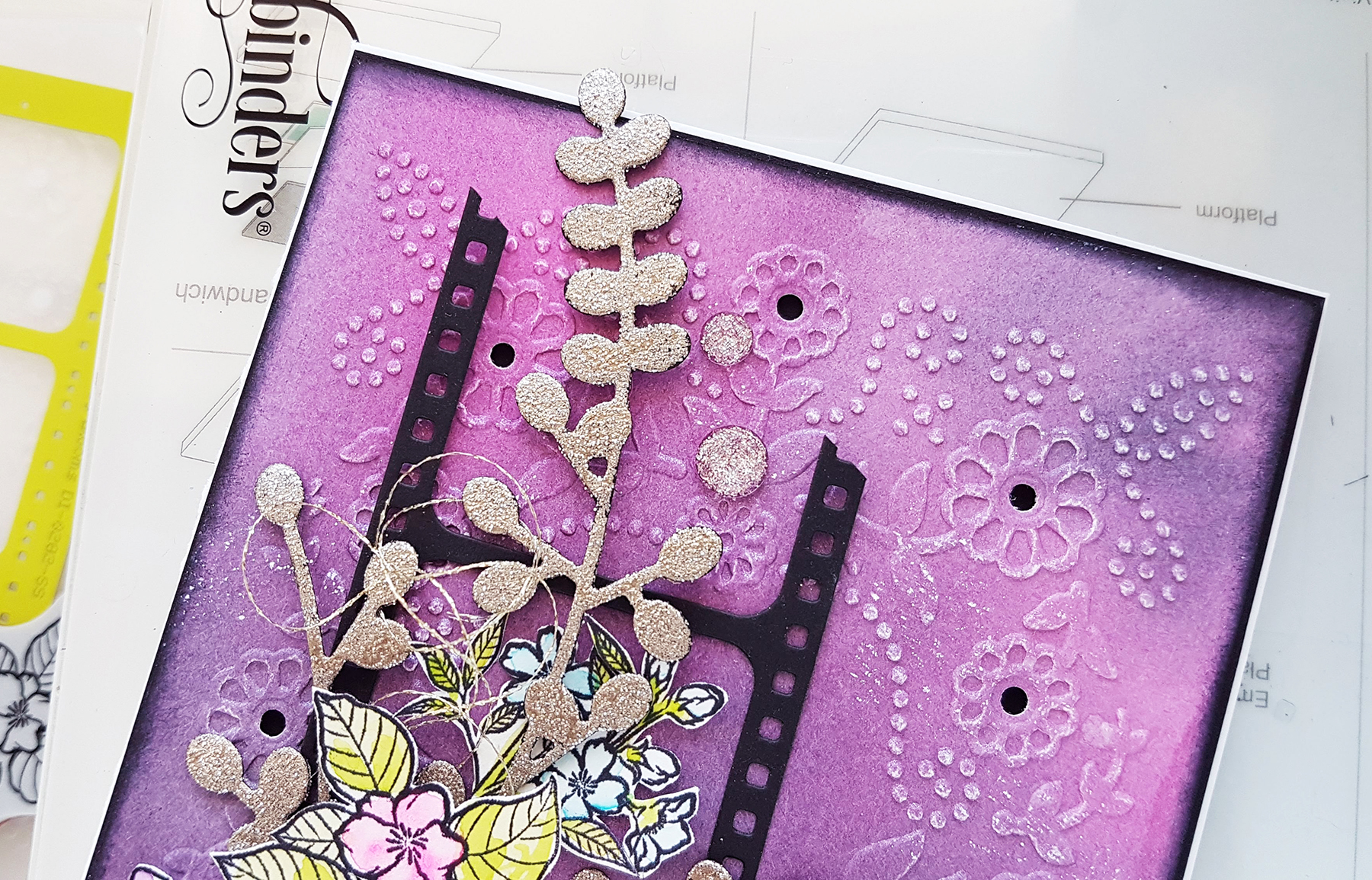
Then I started to build my composition. First I put Film die cut, I cut off an upper part of it. Next, I put branch and then I added some golden thread between stamped flowers. To make my card look more dimensional I foam mounted the biggest flower. Also, I put stick foam between black cardboard and colorful background. Finally, I added a quote sticker and a few adhesive crystals.

Spellbinders Cut & Emboss Folders Inspiration | Mixed Media Card Tutorial by Nadya Drozdova

And here is my card, that was so fun to create. Often to make something nice we do not need plenty of materials, only a few nice dies and stamps. Embossing folders are a great tool to use to create interesting backgrounds without spending much time. To see some techniques and other projects you may visit my YouTube channel.

Spellbinders Cut & Emboss Folders Inspiration | Mixed Media Card Tutorial by Nadya Drozdova

Spellbinders Supplies:

Thank you so much for your attention! Hope you like my simple card and it could be a source of inspiration for you! Wish you happy crafting!

Spellbinders Cut & Emboss Folders Inspiration | Mixed Media Card Tutorial by Nadya Drozdova

Leave a comment

Your email will not be published. Please note, comments need to be approved before they are published.


  • HOW TO USE PRESS PLATES WITH MULTIPLE INKS | CREATE YOUR WAY HOLIDAY, BPR-050, BPI-049, BPI-003

    BP-001

    How to Use Multiple Ink Colors with BetterPress Registration Plates

    Create a colorful Christmas card while learning how to apply multiple ink colors to BetterPress registration plates. In this detailed tutorial, you’ll use the Festive Evergreens Registration Press + Foil Plate & Die Set to press a holiday doorway scene in three colors, combining the built-in registration system with a simple masking technique. The registration template positions the coordinating plates so each layer aligns with...

  • How to Make a Colorful Foiled Butterfly Card with Glimmer II

    BP-351

    How to Make a Colorful Foiled Butterfly Card with Glimmer II

    Combine hot foiling, alcohol-marker coloring, ink blending, and dimensional shaping to create a colorful butterfly card that sparkles from every angle. In this step-by-step tutorial, you’ll learn how to foil detailed butterflies and a floral background with the Glimmer II Hot Foil System, add bold color, and shape the butterfly wings for a realistic raised effect. The Bright Butterflies and Thanks In Bloom Press +...

  • How to Heat Emboss with BetterPress Plates: Snowman Christmas Card

    BP-001

    How to Heat Emboss with BetterPress Plates: Snowman Christmas Card

    BetterPress plates can do more than create letterpress impressions and hot-foiled designs. In this detailed Christmas card tutorial, you’ll learn how to apply clear sticky ink to a BetterPress plate and use white embossing powder to produce a crisp, heat-embossed snowflake background. The tutorial also covers pressing and die cutting a sentiment, assembling three detailed snowmen, and arranging the finished elements on an A2 card....